For Platform Users
This section includes the sign-in steps for Boomi IDP or customer IDP-enabled users (or administrators) to log in to Boomi Cloud API Management (or Control Center) and Developer Portal via Boomi Enterprise Platform.
Sign-In to Cloud API Management via Boomi Platform
Procedure
-
Go to the Platform URL: https://platform.boomi.com
-
Sign in using the Boomi IDP or customer IDP-enabled login option. This opens the Platform homepage.
-
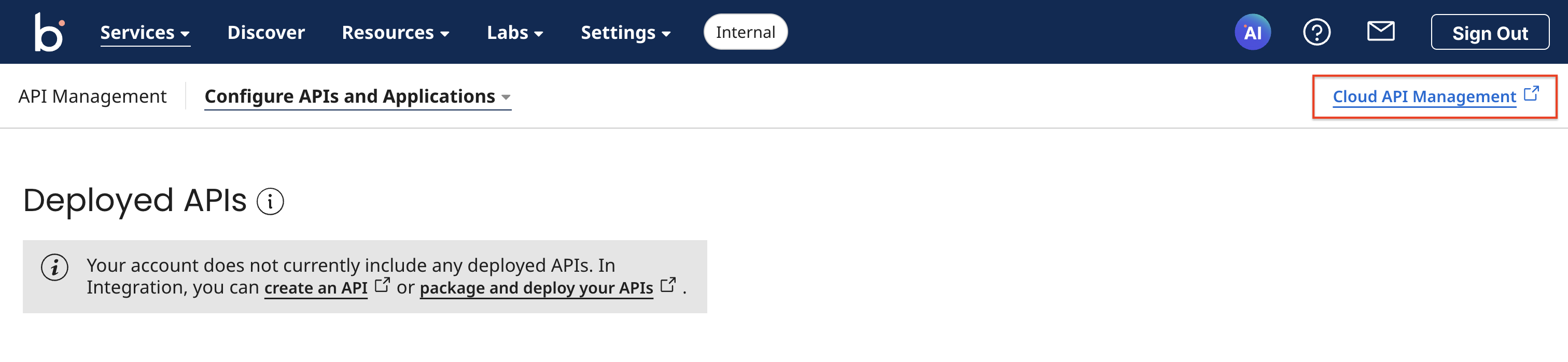
In the Services tab, navigate to API Management and select Cloud API Management.
This opens the Cloud API Management dashboard via the Boomi Platform.
-
Publish your APIs or sign in to the Developer Portal in the Cloud API Management dashboard:
-
To publish your first API, refer to Publishing your APIs.
-
To sign in to the Developer Portal, click the square icon at the top right corner of the Cloud API Management and select Developer Portal.
-
-
Go to your profile and click Sign out.
Signing in to Cloud API Management via Boomi Enterprise Platform enabled login
Procedure
-
Go to your Cloud API Management portal URL: http://evalXXXX.admin.boomibus.mashspud.com.
-
Sign in using Boomi IDP login credentials, and click Boomi platform login. This opens the Platform homepage.
-
In the Services tab, navigate to API Management and select Cloud API Management.
This opens the Cloud API Management dashboard via Boomi Enterprise Platform enabled login.
Signing in to Developer Portal via Boomi Enterprise Platform enabled login
Procedure
-
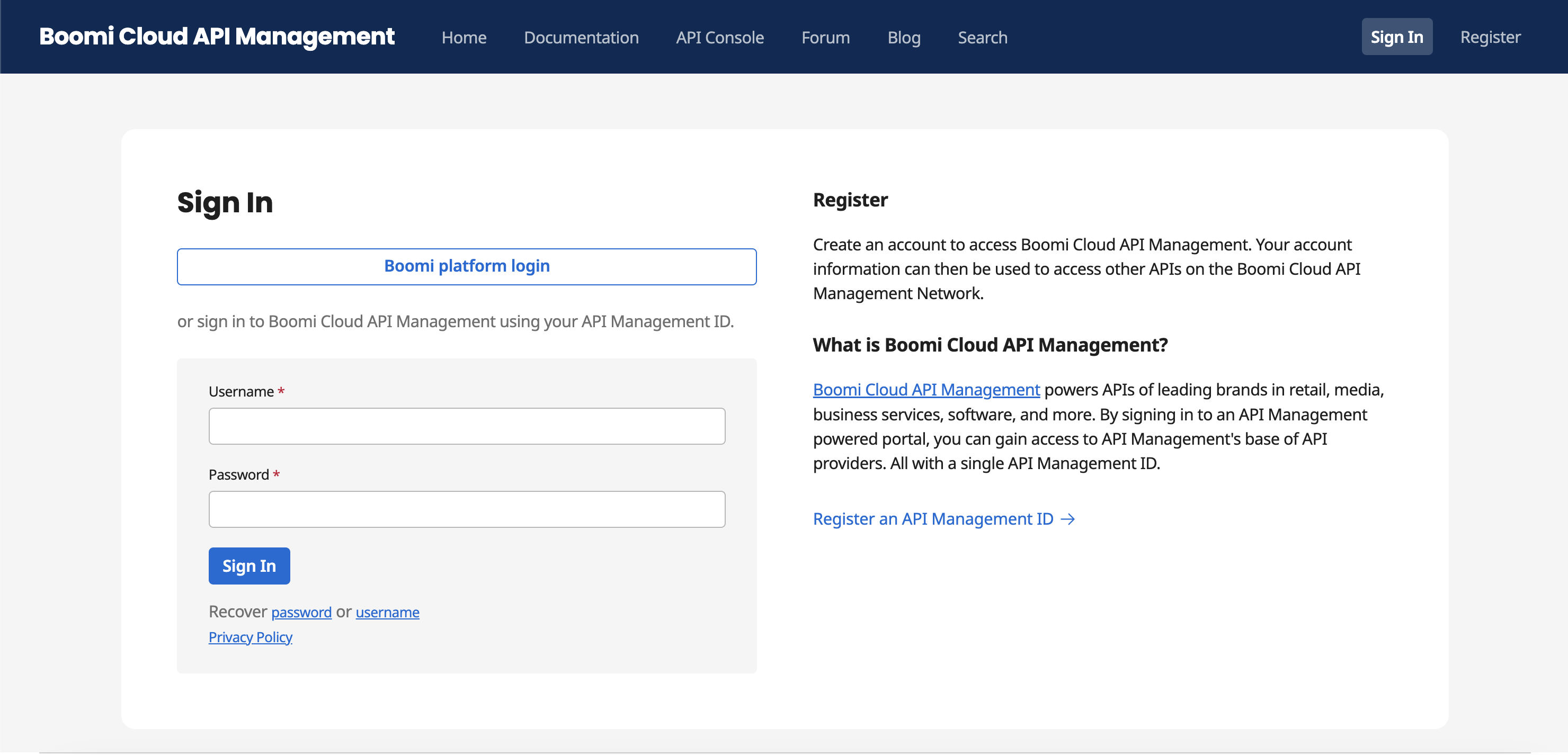
Go to the customer Developer Portal URL: https://evalXXXX.boomibus.mashspud.com/login
-
Click Boomi platform login, provide your credentials, and click Sign In. This opens the Platform homepage.
-
Click Cloud API Management to sign in to Control Center.
-
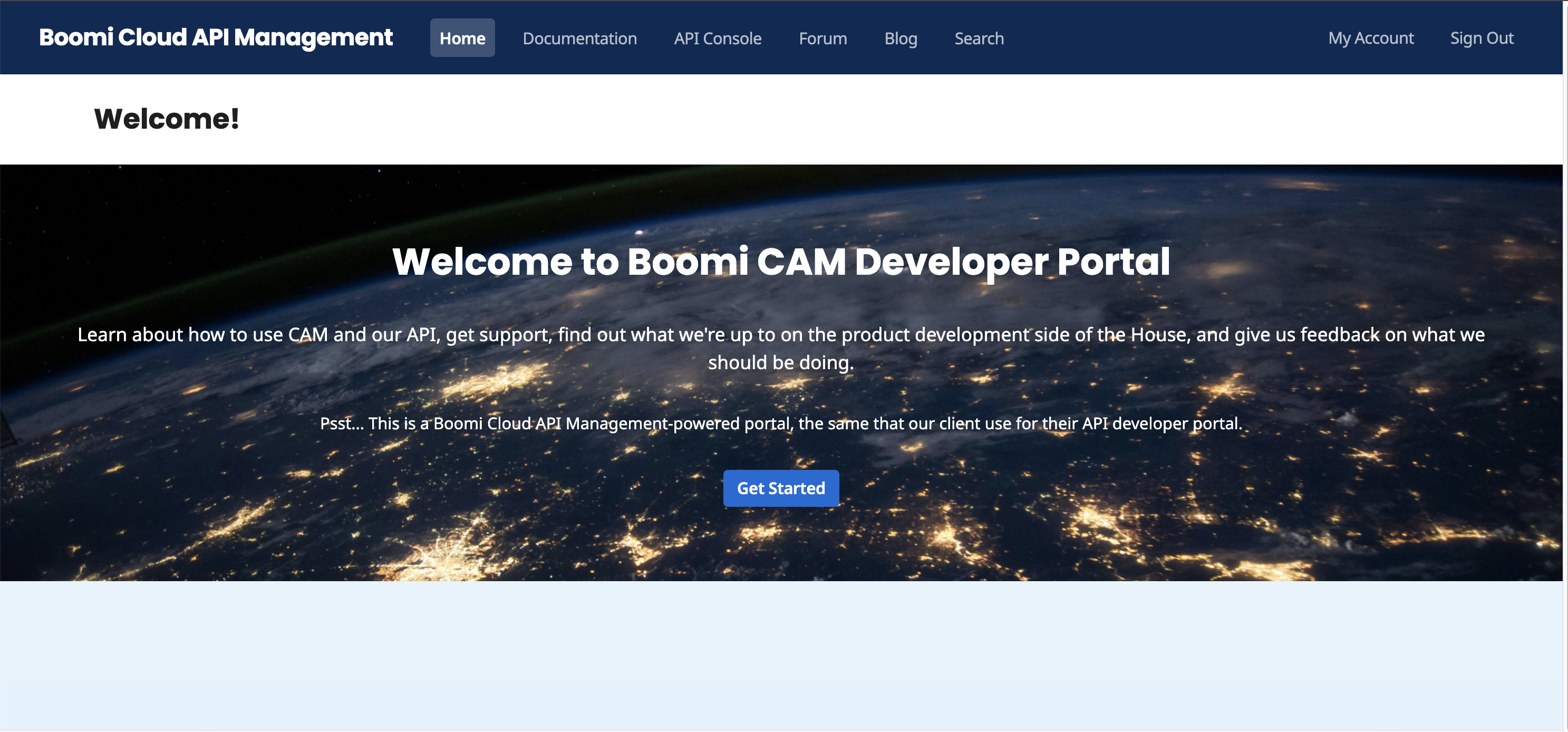
Click the square icon at the top right corner of the Cloud API Management and select Developer Portal. This opens the Boomi Enterprise Platform-enabled Developer Portal.
-
